SafeKit: High Availability (HA) and Redundancy Choices
What are the two primary choices for ensuring high availability and redundancy?
You can choose between setting up redundancy:
At the application level
At the virtual machine (VM) level
What is "Redundancy at the application level"?
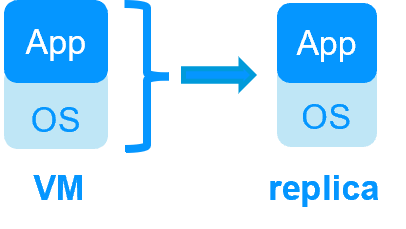
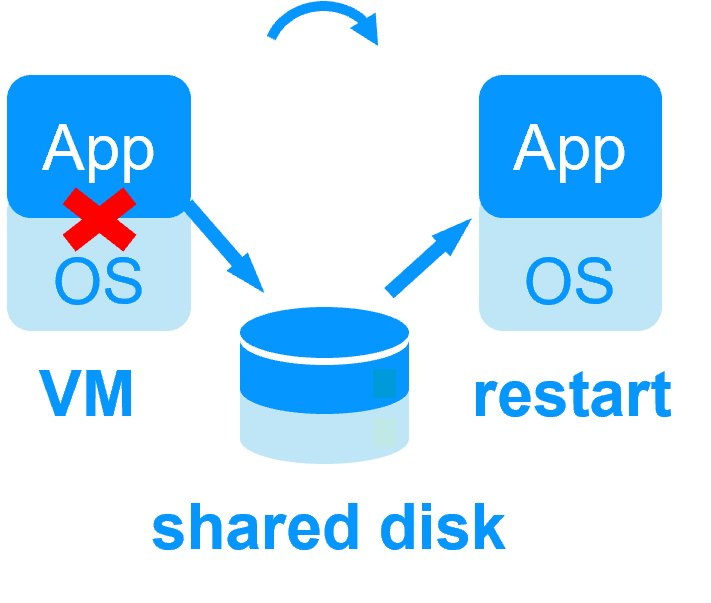
In this solution, only the application data are replicated. In the event of a failure, only the application is restarted, not the entire operating system or VM.
Technical Requirements:
It requires a technical understanding of the application itself.
You must manually define:
Which services need to be restarted.
The specific application folders that need real-time replication.
The configuration of a virtual IP address for failover.
Platform Compatibility:
This solution is platform-agnostic.
It works inside physical machines, virtual machines, or in the Cloud.
Any hypervisor is supported (e.g., VMware, Hyper-V, etc.).
What is "Redundancy at the virtual machine (VM) level"?
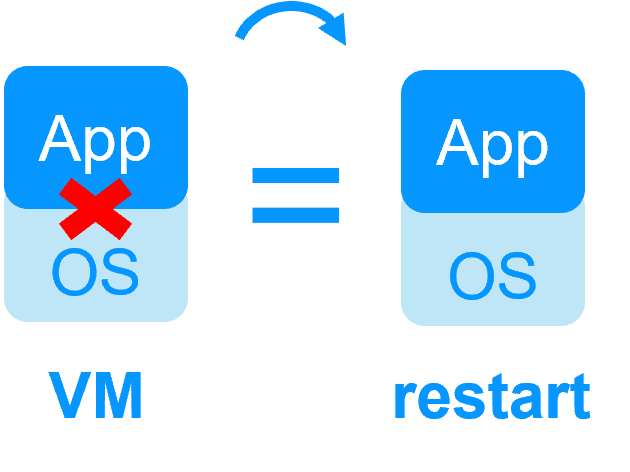
In this solution, the full Virtual Machine (VM) is replicated, including both the Application and the Operating System (OS). In the event of a failure, the full VM is restarted.
Key Advantages:
It does not require a technical understanding of the application installed within the VM.
It is the best solution if you do not know how the application works.
You only need to define the location of the VM files.
Platform Compatibility:
This solution works with Windows/Hyper-V and Linux/KVM.
It does not support VMware for this type of redundancy.
This is typically an active/active solution where several virtual machines can be replicated and restarted between two nodes.
SafeKit replication and failover at application level
Replicates more data (App+OS)
Replicates only application data
Reboot of VM on hypervisor 2 if hypervisor 1 crashes
Recovery time = time to reboot the VM
Failover if a VM crashes
Quick recovery time with restart of App on OS2 if crash of server 1
Around 1 mn or less (see RTO/RPO here)
Advanced application checker and software failover
Define the location of the VM files folder where the application is installed. Generic solution for any application / OS
Define services to restart, application folders to replicate, a virtual IP address for failover inside an application module
The solution works with Hyper-V and KVM but not with VMware (except by nesting Hyper-V or KVM inside VMware)
The solution works in any infrastructure (physical servers, VMware Hyper-V KVM virtual machines, cloud...)