eviden-logo

Evidian > Products > SafeKit: Simple, Cost-Effective High Availability Software > Software clustering vs hardware clustering

Software clustering vs hardware clustering

Evidian SafeKit

Difference between software clustering and hardware clustering?

Overview

This article explores the pros and cons of software clustering vs hardware clustering by looking at features like data replication, shared disks, load balancing, hardware and software prerequisites, skills to configure the cluster...

Software clustering vs hardware clustering

The following comparative tables explain in detail the difference between hardware clustering and SafeKit, a software clustering product.

What is hardware clustering?

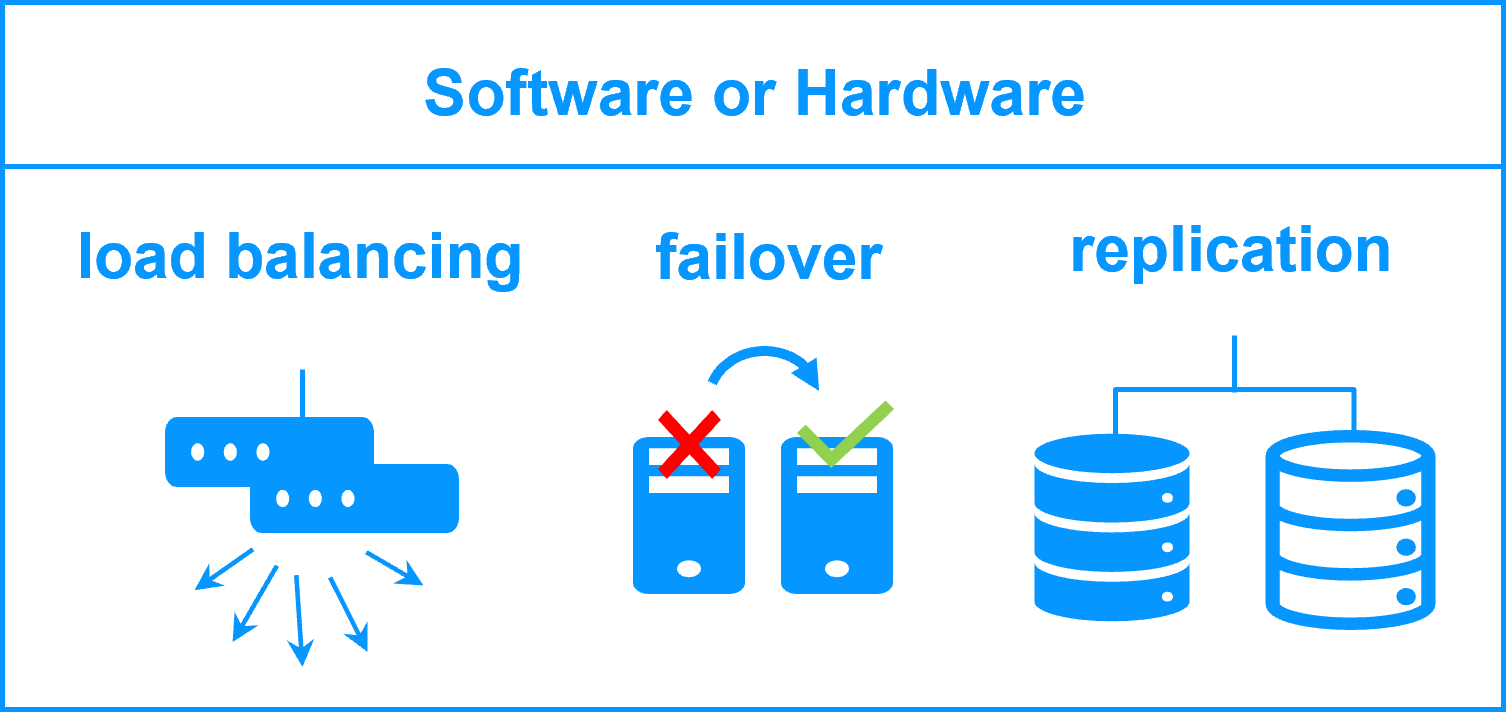
There are two types of hardware clustering solutions: hardware clustering for backend applications like databases and hardware clustering for frontend applications like web services.

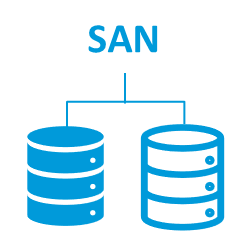
Hardware clustering for backend (like with Microsoft failover cluster) is based on 2 servers sharing a disk with an automatic application failover in case of failure.

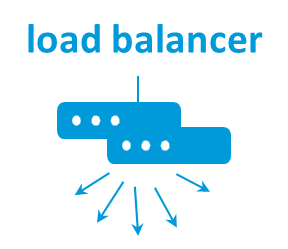
Hardware clustering for frontend is based on load balancers (like with F5 BIG-IP) in front of a farm of servers (2 servers or more). The load balancers distributes the TCP sessions to the available servers in the farm.

What is software clustering?

As with hardware clustering, there are two types of software clustering solutions: software clustering for backend applications like databases and software clustering for frontend applications like web services.

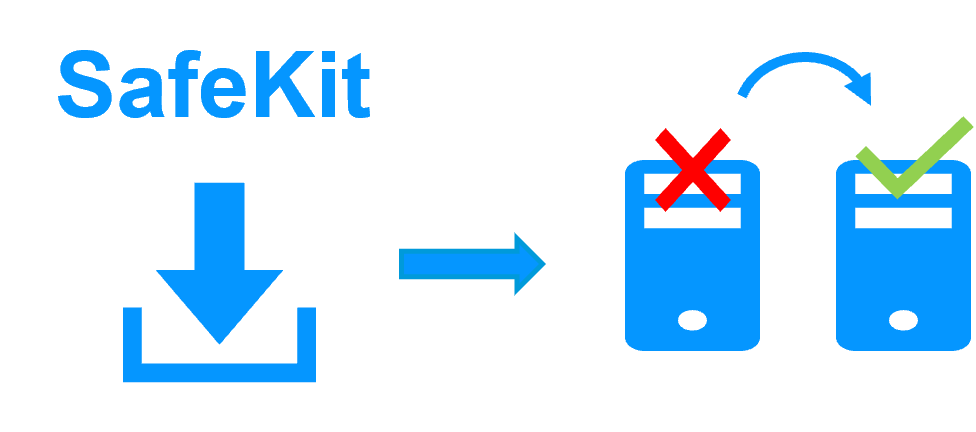
Software clustering for backend (like with SafeKit) is based on 2 servers replicating in real-time data with an automatic application failover in case of failures.

Software clustering for frontend (like with SafeKit) is based on load balancing in a farm of servers (2 servers or more). The load balancing is made by software and distributes the TCP sessions to the available servers in the farm.

Pros and cons of software clustering vs hardware clustering

SafeKit software clustering

Software clustering with SafeKit

Hardware clustering

Hardware clustering for a backend

Hardware load balancers

Hardware clustering for a frontend

Features
(1) Real-time file replication

(2) Failover toolkit

(3) Network load balancing (no dedicated proxy)

(1) Disk replication

(2) Failover toolkit

(1) Network load balancing
Hardware
Standard physical servers, virtual servers or Cloud Dedicated storage (shared or replicated) Dedicated network load balancing boxes
Software
Standard editions of Windows, Linux and databases (even OS for PC and free editions of databases) Enterprise editions of OS and databases Firmware in load balancers
Skills
No specific IT skills for deploying SafeKit High level skills in storage and OS High level skills in network

๐Ÿ” SafeKit High Availability Navigation Hub

Explore SafeKit: Features, technical videos, documentation, and free trial
Resource Type Description Direct Link
Features Why Choose SafeKit for Simple and Cost-Effective High Availability? View Features
Partners SafeKit: The Benchmark in High Availability for Partners SafeKit for Partners
VM vs App HA SafeKit: High Availability (HA) and Redundancy Choices VM/App Choice
Typical Usage Typical usage with SafeKit and Limitations Usage and Limitations
Videos SafeKit: Technical Demonstrations and Tutorials Watch Videos
Mirror Cluster How the SafeKit mirror cluster works (real-time file replication and failover)? Mirror Cluster
Farm Cluster How the SafeKit farm cluster works (network load balancing and failover)? Farm Cluster
Differentiators Comparison of SafeKit with Traditional High Availability (HA) Clusters View Benefits
Resources SafeKit High Availability Resources, Downloads, and Documentation Access Resources
Application Modules SafeKit Application Module Library: Ready-to-Use Solutions Browse Modules