eviden-logo

Evidian > Products > SafeKit: Simple, Cost-Effective High Availability Software

Evidian SafeKit: Simple, Cost-Effective High Availability Software

Why Choose SafeKit for Simple and Cost-Effective High Availability?

What are SafeKit’s features?

SafeKit provides the following features for Windows and Linux in a single software product:

  • Load balancing
  • Synchronous real-time file replication
  • Automatic application failover
  • Automatic failback after a server failure

How does SafeKit cut costs?

SafeKit eliminates the following requirements:

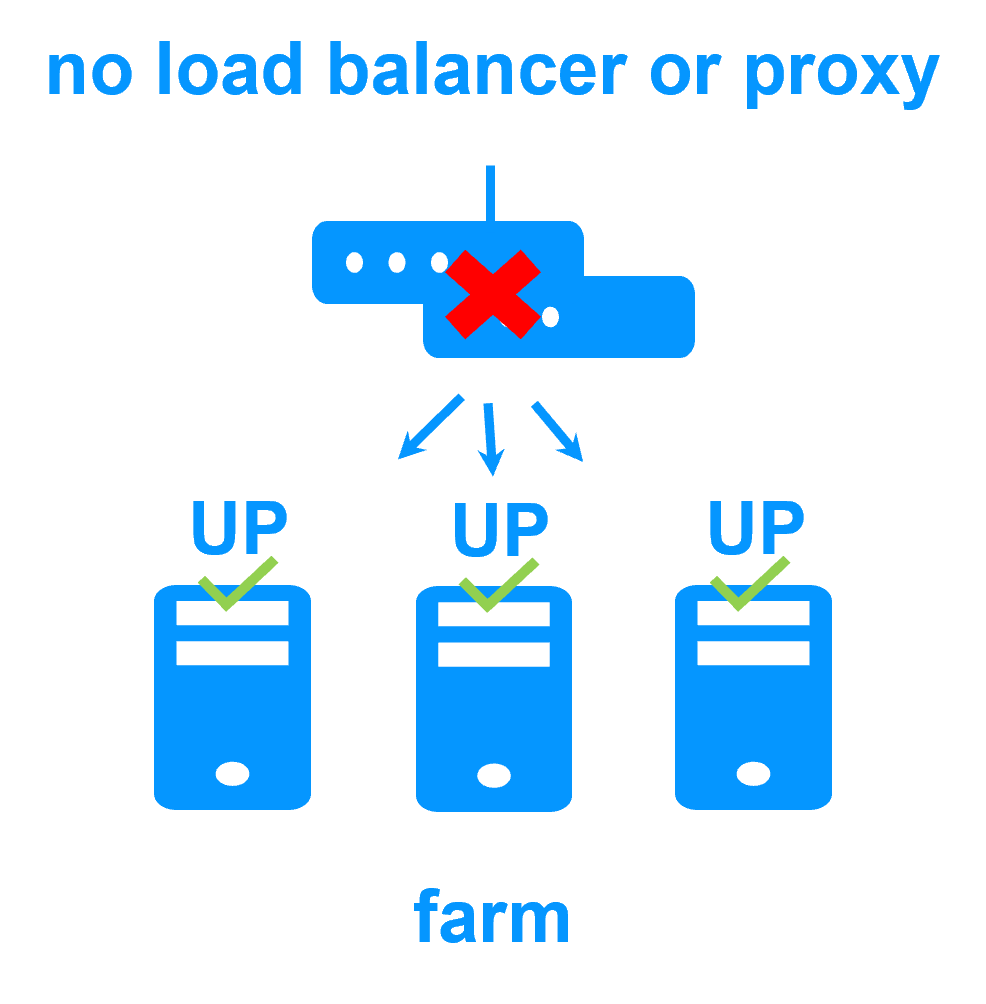
  • Network load balancers or dedicated proxy servers
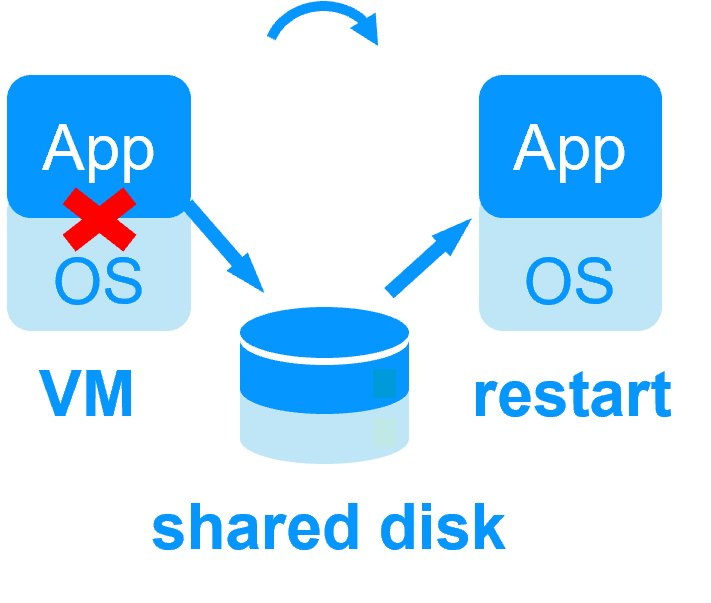
  • Shared disks or replicated SAN storage
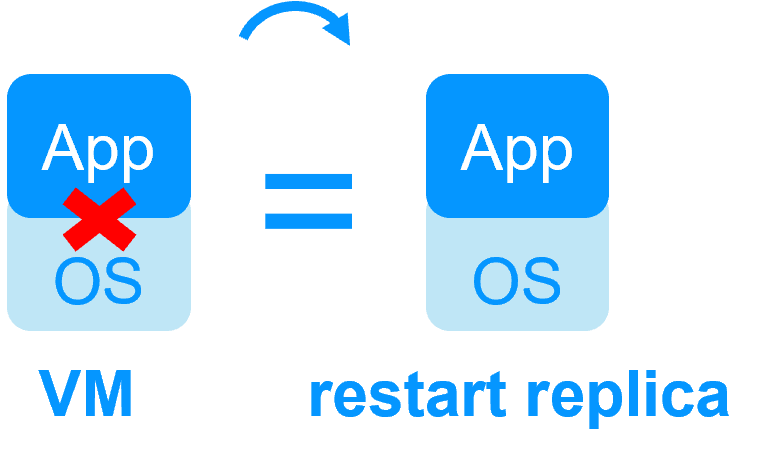
  • Enterprise editions of operating systems and databases
  • Specialized cluster maintenance skills

What problems does SafeKit solve?

SafeKit solves:

  • Hardware failures (20% of problems), including the complete failure of a computer room
  • Software failures (40% of problems), including restart of critical processes
  • Human errors (40% of problems) thanks to its ease of use

Which applications are supported by SafeKit?

You can implement real-time replication and failover for:

  • All types of applications, file directories, and services
  • Databases
  • Complete Hyper-V or KVM virtual machines
  • Docker, Podman, and cloud applications

Do I need special skills to set up SafeKit?

No. SafeKit is simple to deploy—no advanced expertise required.

Does SafeKit require additional hardware?

No. SafeKit runs on your existing servers, virtual machines, or in the cloud—no shared disks or SAN storage needed.

Are extra software licenses required for SafeKit?

No. SafeKit works with standard Windows and Linux editions and does not need enterprise database licenses.

insert-safekit-partners-en

SafeKit: The Benchmark in High Availability for Partners

How does SafeKit contribute to our partners' customer success?

This platform-independent software is ideal for partners reselling critical applications who need to offer customers a simple, cost-effective high availability (HA) and system redundancy option, without the complexity and expense of SANs (Storage Area Networks). SafeKit’s core features — load balancing, real-time data replication, and automatic failover — significantly simplify the integration of HA into any service or product offering.

Why is SafeKit the simplest high availability solution on the market?

With a proven track record and numerous deployments in over 30 countries through our extensive partner network, SafeKit is recognized as the easiest and fastest HA solution to implement for critical systems. This includes sectors like video management systems (VMS), access control, building management (BMS), SCADA software, automated logistics, and critical air/rail traffic control, ensuring maximum uptime across the board.

How does SafeKit accelerate partner mastery of HA deployment and support?

SafeKit offers a complete, free, and open-access resource kit to support its partners, including free trials, comprehensive online training modules, and the opportunity to obtain official SafeKit certification at no cost. These tools enable partners to rapidly acquire the necessary technical skills to effectively deploy and provide world-class support for the solution, minimizing deployment time and reducing the learning curve.

SafeKit: High Availability (HA) and Redundancy Choices

What are the two primary choices for ensuring high availability and redundancy?

You can choose between setting up redundancy:

  • At the application level
  • At the virtual machine (VM) level

What is "Redundancy at the application level"?

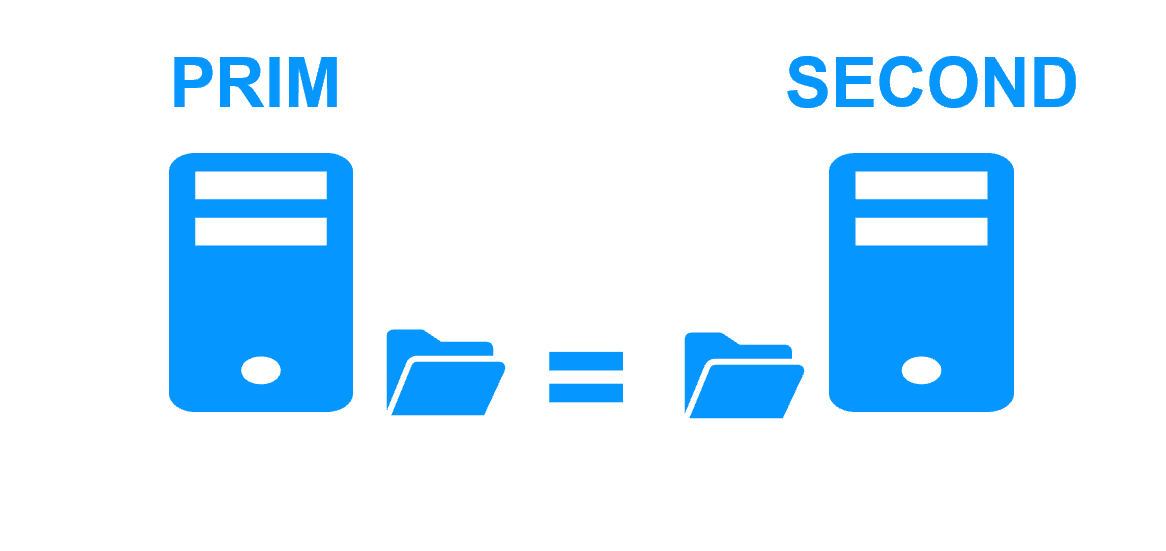
In this solution, only the application data are replicated. In the event of a failure, only the application is restarted, not the entire operating system or VM.

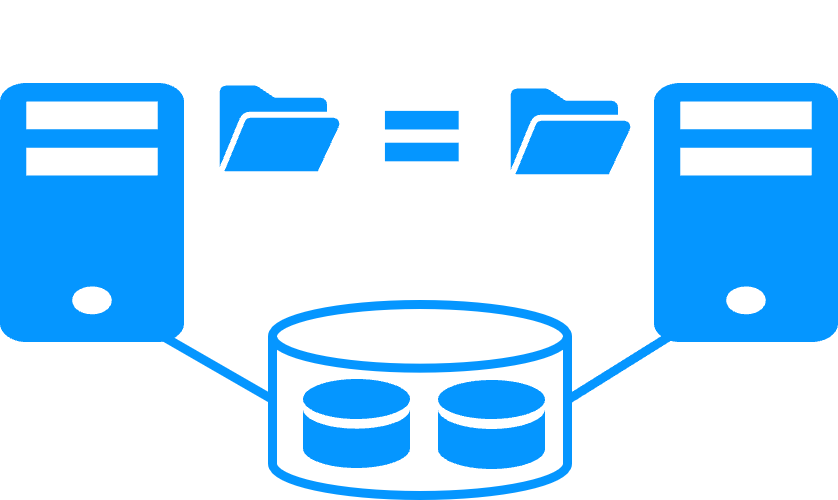
SafeKit diagram for Application Level High Availability (HA): Illustrates synchronous replication of critical application data between active and passive servers, enabling fast application failover without needing a full VM restart.

Technical Requirements:

  • It requires a technical understanding of the application itself.
  • You must manually define:
    • Which services need to be restarted.
    • The specific application folders that need real-time replication.
    • The configuration of a virtual IP address for failover.

Platform Compatibility:

  • This solution is platform-agnostic.
  • It works inside physical machines, virtual machines, or in the Cloud.
  • Any hypervisor is supported (e.g., VMware, Hyper-V, etc.).
  • More information: Windows, Linux

What is "Redundancy at the virtual machine (VM) level"?

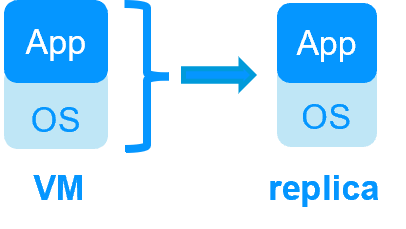
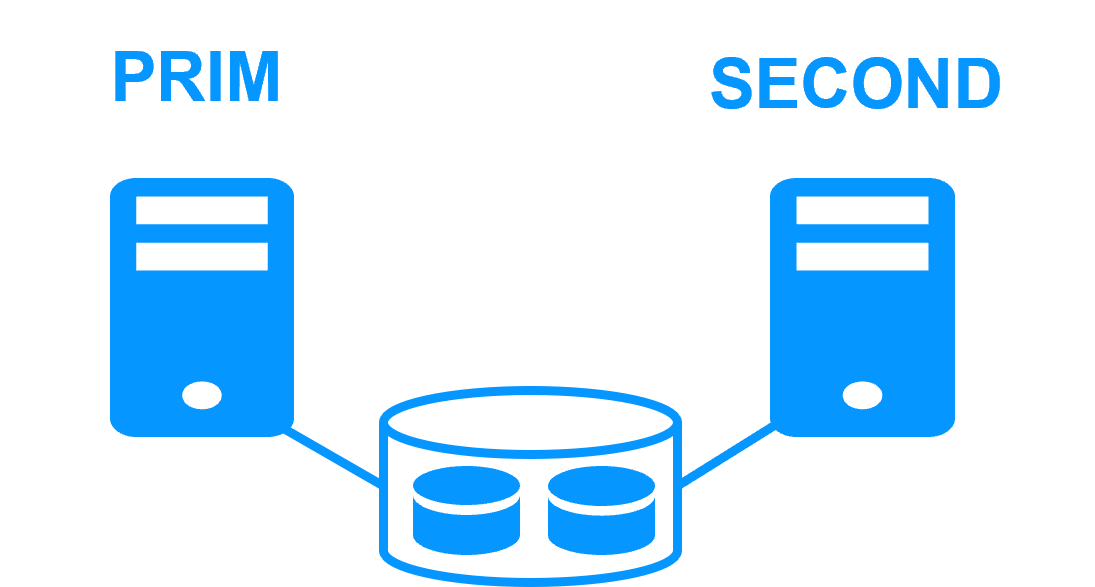
In this solution, the full Virtual Machine (VM) is replicated, including both the Application and the Operating System (OS). In the event of a failure, the full VM is restarted.

SafeKit diagram for Virtual Machine (VM) Level High Availability (HA): Illustrates the full replication of the VM, including the OS and application, between two physical servers to ensure service continuity upon hardware failure.

Key Advantages:

  • It does not require a technical understanding of the application installed within the VM.
  • It is the best solution if you do not know how the application works.
  • You only need to define the location of the VM files.

Platform Compatibility:

  • This solution works with Windows/Hyper-V and Linux/KVM.
  • It does not support VMware for this type of redundancy.
  • This is typically an active/active solution where several virtual machines can be replicated and restarted between two nodes.
  • More information: Windows/Hyper-V, Linux/KVM

Typical usage with SafeKit

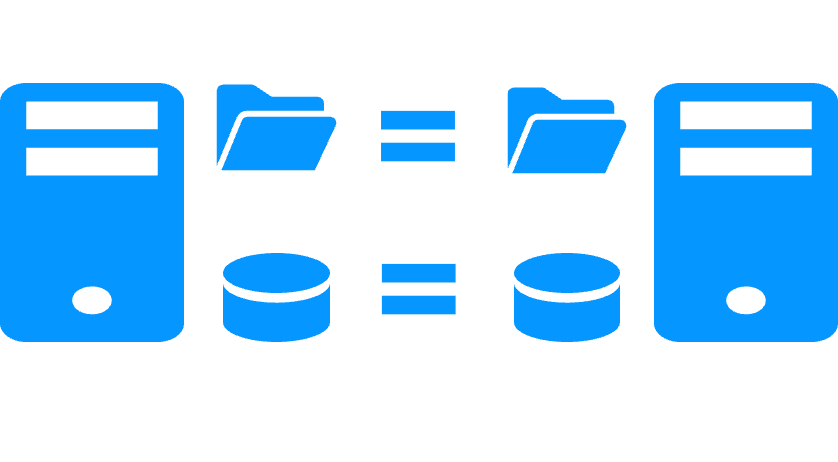
Why a replication of a few Tera-bytes?

Resynchronization time after a failure (step 3)

  • 1 Gb/s network ≈ 3 Hours for 1 Tera-bytes.
  • 10 Gb/s network ≈ 1 Hour for 1 Tera-bytes or less depending on disk write performances.

Alternative

Why a replication < 1,000,000 files?

  • Resynchronization time performance after a failure (step 3).
  • Time to check each file between both nodes.

Alternative

  • Put the many files to replicate in a virtual hard disk / virtual machine.
  • Only the files representing the virtual hard disk / virtual machine will be replicated and resynchronized in this case.

Why a failover ≤ 32 replicated VMs?

  • Each VM runs in an independent mirror module.
  • Maximum of 32 mirror modules running on the same cluster.

Alternative

  • Use an external shared storage and another VM clustering solution.
  • More expensive, more complex.

Why a LAN/VLAN network between remote sites?

Alternative

  • Use a load balancer for the virtual IP address if the 2 nodes are in 2 subnets (supported by SafeKit, especially in the cloud).
  • Use backup solutions with asynchronous replication for high latency network.

SafeKit: Technical Demonstrations and Tutorials

How the SafeKit mirror cluster works?

Step 1. Real-time replication

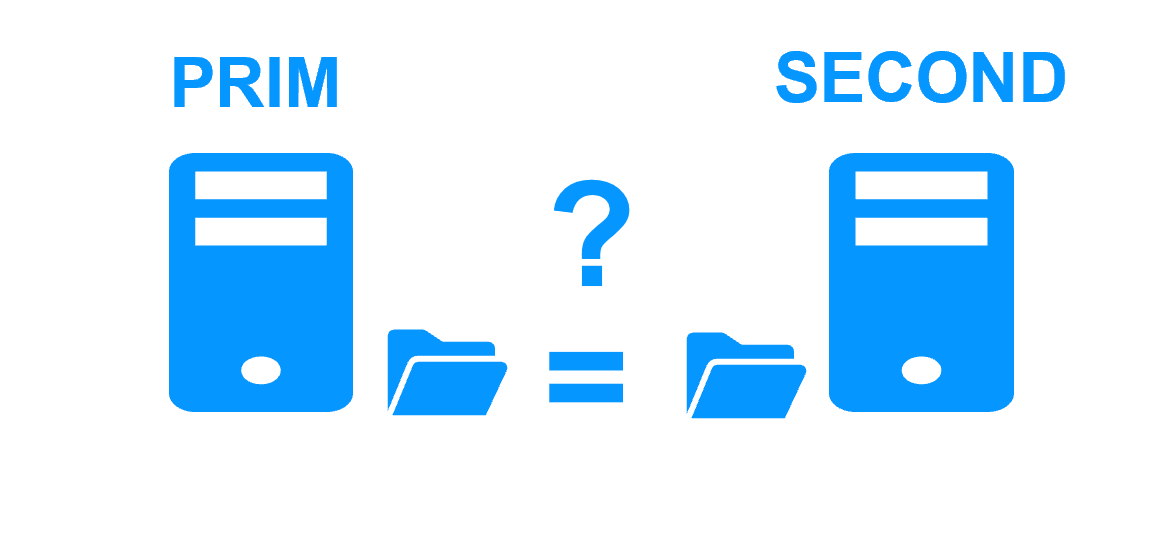
Server 1 (PRIM) runs the application. Clients are connected to a virtual IP address. SafeKit replicates in real time modifications made inside files through the network.

File replication at byte level in a mirror cluster

The replication is synchronous with no data loss on failure contrary to asynchronous replication.
You just have to configure the names of directories to replicate in SafeKit. There are no pre-requisites on disk organization. Directories may be located in the system disk.

Step 2. Automatic failover

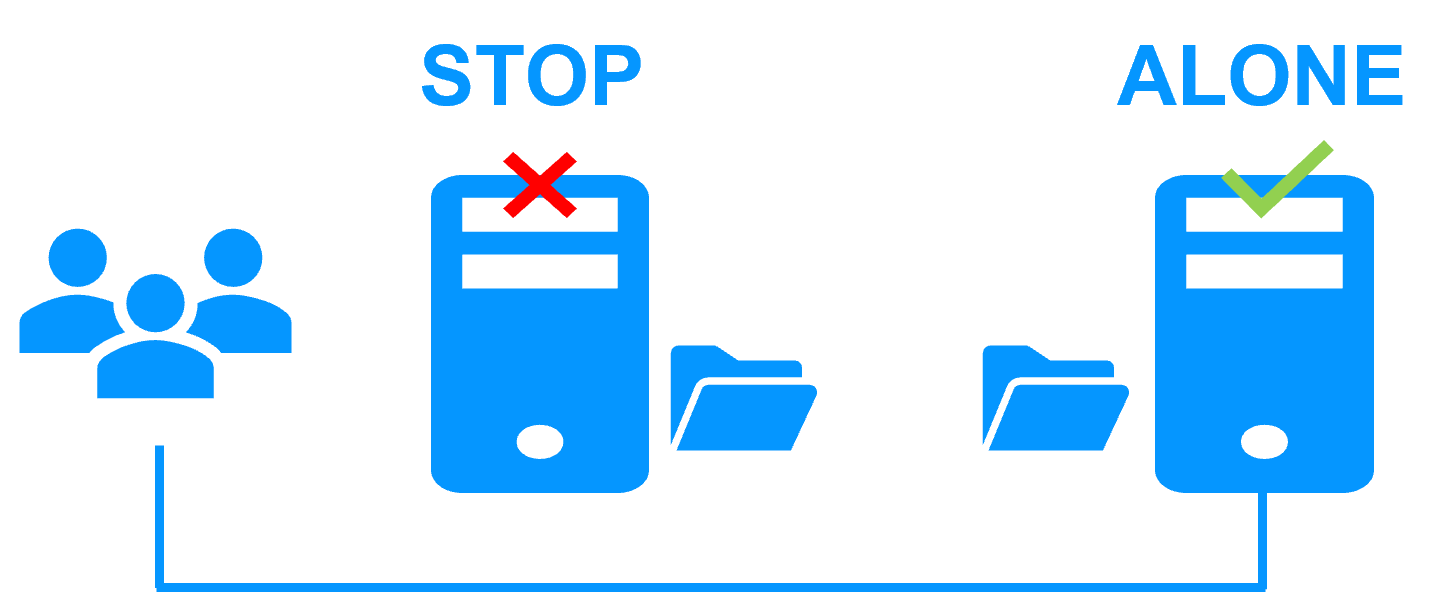
When Server 1 fails, Server 2 takes over. SafeKit switches the virtual IP address and restarts the application automatically on Server 2.
The application finds the files replicated by SafeKit uptodate on Server 2. The application continues to run on Server 2 by locally modifying its files that are no longer replicated to Server 1.

Failover in a mirror cluster

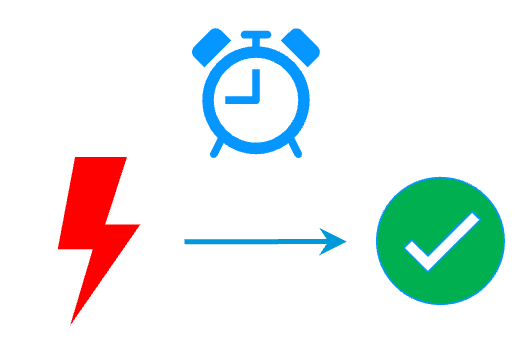
The failover time is equal to the fault-detection time (30 seconds by default) plus the application start-up time.

Step 3. Automatic failback

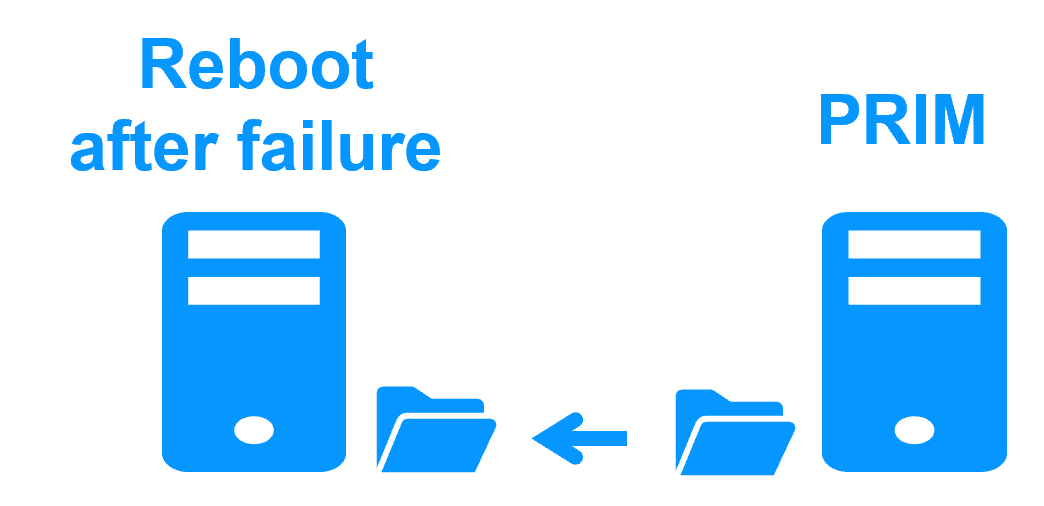
Failback involves restarting Server 1 after fixing the problem that caused it to fail.
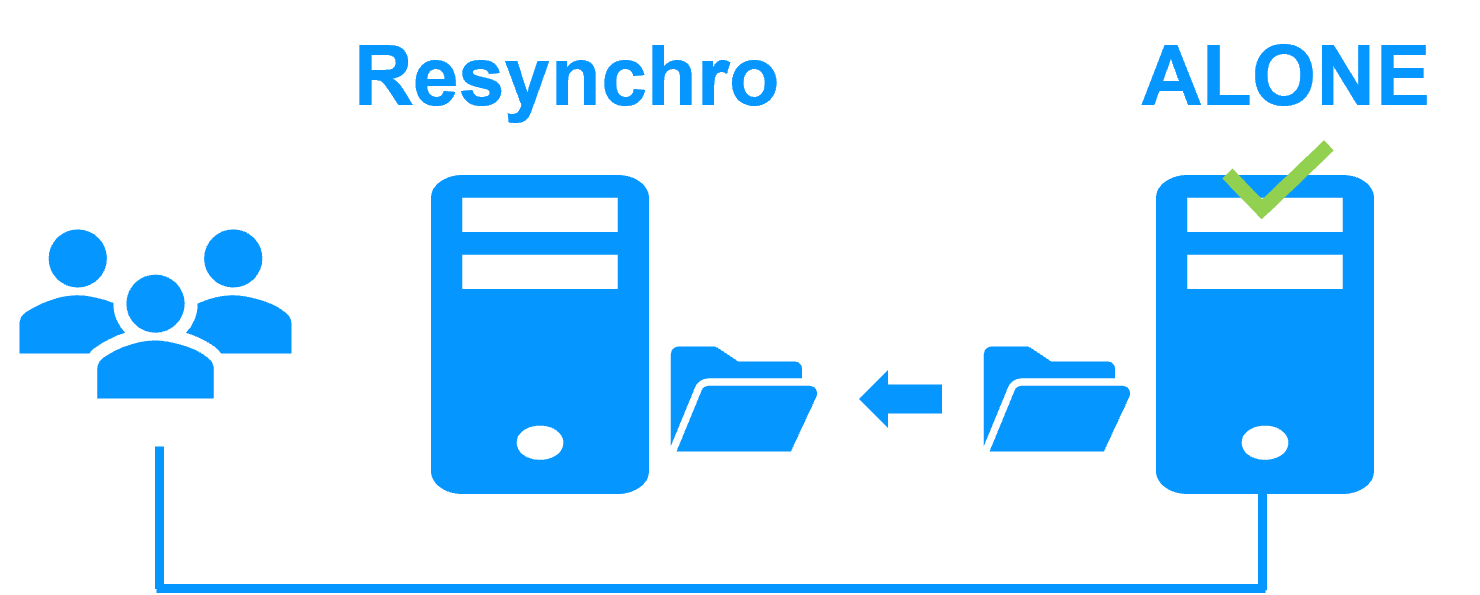
SafeKit automatically resynchronizes the files, updating only the files modified on Server 2 while Server 1 was halted.

Failback in a mirror cluster

Failback takes place without disturbing the application, which can continue running on Server 2.

Step 4. Back to normal

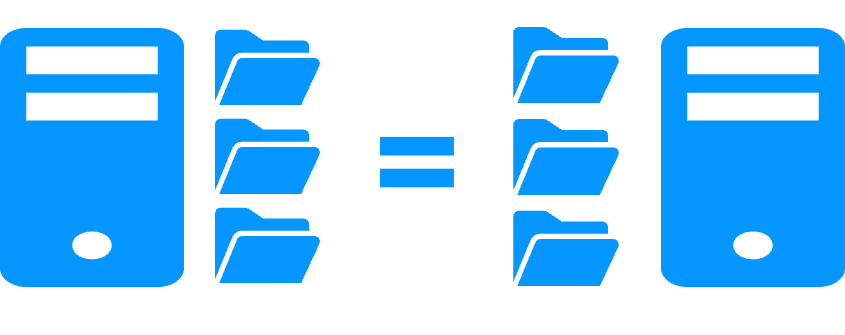
After reintegration, the files are once again in mirror mode, as in step 1. The system is back in high-availability mode, with the application running on Server 2 and SafeKit replicating file updates to Server 1.

Return to normal operation in a mirror cluster

If the administrator wishes the application to run on Server 1, he/she can execute a "swap" command either manually at an appropriate time, or automatically through configuration.

How the SafeKit farm cluster works?

Virtual IP address in a farm cluster

How the Evidian SafeKit farm cluster implements network load balancing and failover

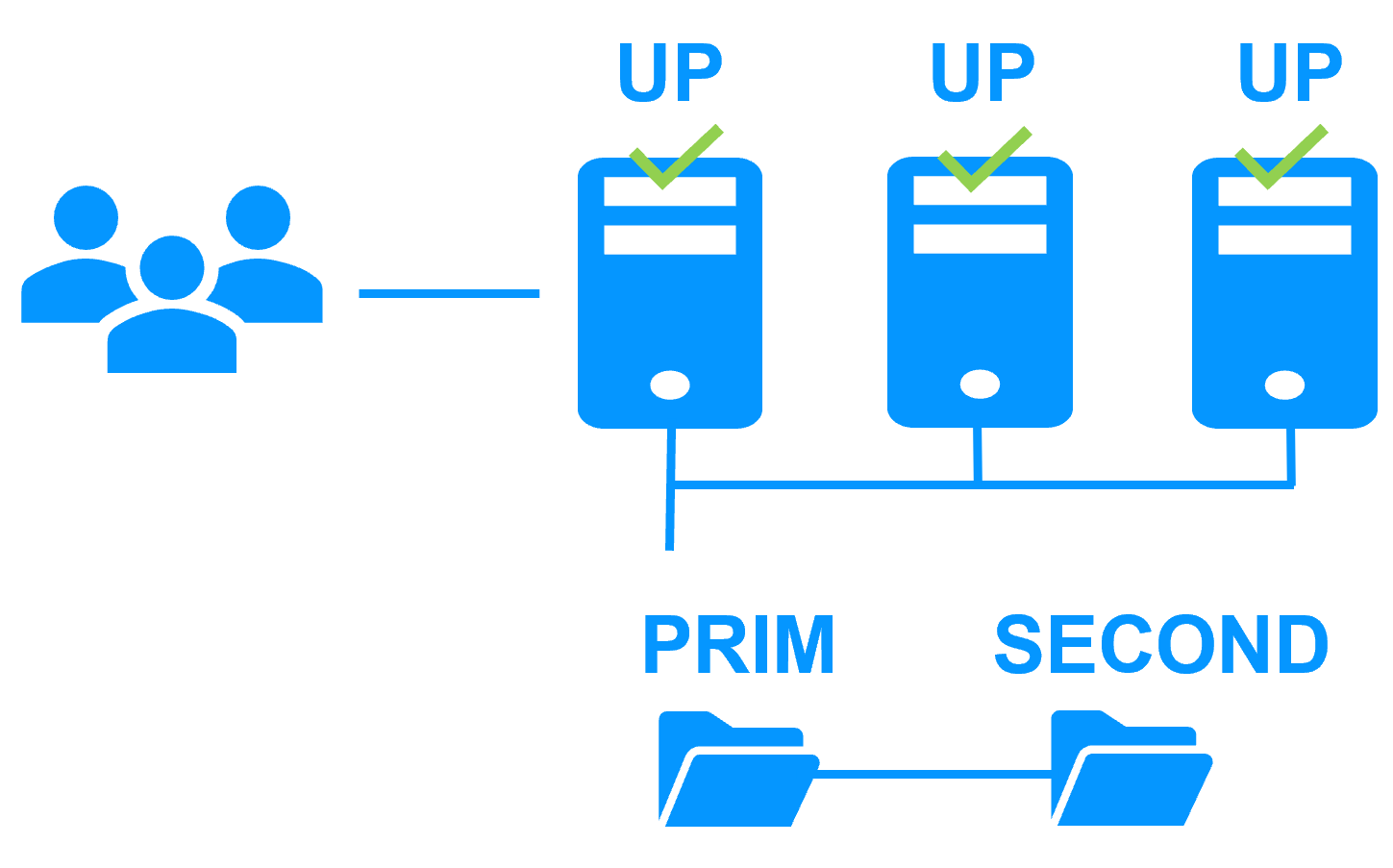
On the previous figure, the application is running on the 3 servers (3 is an example, it can be 2 or more). Users are connected to a virtual IP address.
The virtual IP address is configured locally on each server in the farm cluster.
The input traffic to the virtual IP address is received by all the servers and split among them by a network filter inside each server's kernel.
SafeKit detects hardware and software failures, reconfigures network filters in the event of a failure, and offers configurable application checkers and recovery scripts.

Load balancing in a network filter

The network load balancing algorithm inside the network filter is based on the identity of the client packets (client IP address, client TCP port). Depending on the identity of the client packet input, only one filter in a server accepts the packet; the other filters in other servers reject it.
Once a packet is accepted by the filter on a server, only the CPU and memory of this server are used by the application that responds to the request of the client. The output messages are sent directly from the application server to the client.
If a server fails, the farm heartbeat protocol reconfigures the filters in the network load balancing cluster to re-balance the traffic on the remaining available servers.

Stateful or stateless applications

With a stateful application, there is session affinity. The same client must be connected to the same server on multiple TCP sessions to retrieve its context on the server. In this case, the SafeKit load balancing rule is configured on the client IP address. Thus, the same client is always connected to the same server on multiple TCP sessions. And different clients are distributed across different servers in the farm.
With a stateless application, there is no session affinity. The same client can be connected to different servers in the farm on multiple TCP sessions. There is no context stored locally on a server from one session to another. In this case, the SafeKit load balancing rule is configured on the TCP client session identity. This configuration is the one which is the best for distributing sessions between servers, but it requires a TCP service without session affinity.

Comparison of SafeKit with Traditional High Availability (HA) Clusters

How does SafeKit compare to traditional High Availability (HA) cluster solutions?

This comparison highlights the fundamental differences between SafeKit and traditional High Availability (HA) cluster solutions like Failover Clusters, Virtualization HA, and SQL Always-On. SafeKit is designed as a low-complexity, software-only solution for generic application redundancy, contrasting with the high complexity and specific storage requirements (shared storage, SAN) typical of traditional HA mechanisms.
Comparison of SafeKit with traditional High Availability (HA) clusters
Solutions Complexity Comments
Failover Cluster (Microsoft) High Specific Storage (shared storage, SAN)
Virtualization (VMware HA) High Specific Storage (shared storage, SAN, vSAN)
SQL Always-On (Microsoft) High Only SQL is redundant, requires SQL Enterprise Edition
Evidian SafeKit Low Simplest, generic and software-only. Unsuitable for large data replication.

SafeKit's Advantage in Application Redundancy

SafeKit achieves its low-complexity High Availability through a simple, software-based mirroring mechanism that eliminates the need for expensive, dedicated hardware like a SAN (Storage Area Network). This makes it a highly accessible solution for quickly implementing application redundancy without complex infrastructure changes.

SafeKit High Availability Resources, Downloads, and Documentation

💡 To kickstart your high availability journey with SafeKit, begin with the Quick Installation Guides.

📦 SafeKit's HA Software Packages - Version 8.2

This table provides the SafeKit installation files for the current version, organized by operating system and installer type.

OS / Platform Installer Type Key Benefit Download Link
Windows (64-bit) .exe Installer Includes Microsoft VC++ Redistributable ⬇️ Download SafeKit 8.2 Windows EXE
Windows (64-bit) .msi Installer Does not include Microsoft VC++ Redistributable ⬇️ Download SafeKit 8.2 Windows MSI
Linux (64-bit) Auto-extractable .BIN Includes Linux package and installation script ⬇️ Download SafeKit 8.2 Linux BIN File

➡️ Go to v7.5 Archives

SafeKit High Availability (HA) Solutions: Quick Installation Guides for Windows and Linux Clusters

This table presents the SafeKit High Availability (HA) solutions, categorized by application and operating environment (Databases, Web Servers, VMs, Cloud). Identify the specific pre‑configured .safe module (e.g., mirror.safe, farm.safe, and others) required for real‑time replication, load balancing, and automatic failover of critical business applications on Windows or Linux. Simplify your HA cluster setup with direct links to quick installation guides, each including a download link for the corresponding .safe module.

A SafeKit .safe module is essentially a pre‑configured High Availability (HA) template that defines how a specific application will be clustered and protected by the SafeKit software. In practice, it contains a configuration file (userconfig.xml) and restart scripts.

SafeKit High Availability (HA) Solutions: Quick Installation Guides (with downloadable .safe modules)
Application Category HA Scenario (High Availability) Technology / Product .safe Module Installation Guide
New Applications Real-Time Replication and Failover Windows mirror.safe View Guide: Windows Replication
New Applications Real-Time Replication and Failover Linux mirror.safe View Guide: Linux Replication
New Applications Network Load Balancing and Failover Windows farm.safe View Guide: Windows Load Balancing
New Applications Network Load Balancing and Failover Linux farm.safe View Guide: Linux Load Balancing
Databases Replication and Failover Microsoft SQL Server sqlserver.safe View Guide: SQL Server Cluster
Databases Replication and Failover PostgreSQL postgresql.safe View Guide: PostgreSQL Replication
Databases Replication and Failover MySQL mysql.safe View Guide: MySQL Cluster
Databases Replication and Failover Oracle oracle.safe View Guide: Oracle Failover Cluster
Databases Replication and Failover Firebird firebird.safe View Guide: Firebird HA
Web Servers Load Balancing and Failover Apache apache_farm.safe View Guide: Apache Load Balancing
Web Servers Load Balancing and Failover IIS iis_farm.safe View Guide: IIS Load Balancing
Web Servers Load Balancing and Failover NGINX farm.safe View Guide: NGINX Load Balancing
VMs and Containers Replication and Failover Hyper-V hyperv.safe View Guide: Hyper-V VM Replication
VMs and Containers Replication and Failover KVM kvm.safe View Guide: KVM VM Replication
VMs and Containers Replication and Failover Docker mirror.safe View Guide: Docker Container Failover
VMs and Containers Replication and Failover Podman mirror.safe View Guide: Podman Container Failover
VMs and Containers Replication and Failover Kubernetes K3S k3s.safe View Guide: Kubernetes K3S Replication
AWS Cloud Real-Time Replication and Failover AWS mirror.safe View Guide: AWS Replication Cluster
AWS Cloud Network Load Balancing and Failover AWS farm.safe View Guide: AWS Load Balancing Cluster
GCP Cloud Real-Time Replication and Failover GCP mirror.safe View Guide: GCP Replication Cluster
GCP Cloud Network Load Balancing and Failover GCP farm.safe View Guide: GCP Load Balancing Cluster
Azure Cloud Real-Time Replication and Failover Azure mirror.safe View Guide: Azure Replication Cluster
Azure Cloud Network Load Balancing and Failover Azure farm.safe View Guide: Azure Load Balancing Cluster
Physical Security / VMS Real-Time Replication and Failover Milestone XProtect milestone.safe View Guide: Milestone XProtect Failover
Physical Security / VMS Real-Time Replication and Failover Nedap AEOS nedap.safe View Guide: Nedap AEOS Failover
Physical Security / VMS Real-Time Replication and Failover Genetec (SQL Server) sqlserver.safe View Guide: Genetec SQL Failover
Physical Security / VMS Real-Time Replication and Failover Bosch AMS (Hyper-V) hyperv.safe View Guide: Bosch AMS Hyper-V Failover
Physical Security / VMS Real-Time Replication and Failover Bosch BIS (Hyper-V) hyperv.safe View Guide: Bosch BIS Hyper-V Failover
Physical Security / VMS Real-Time Replication and Failover Bosch BVMS (Hyper-V) hyperv.safe View Guide: Bosch BVMS Hyper-V Failover
Physical Security / VMS Real-Time Replication and Failover Hanwha Vision (Hyper-V) hyperv.safe View Guide: Hanwha Vision Hyper-V Failover
Physical Security / VMS Real-Time Replication and Failover Hanwha Wisenet (Hyper-V) hyperv.safe View Guide: Hanwha Wisenet Hyper-V Failover
Siemens Products Real-Time Replication and Failover Siemens Siveillance suite (Hyper-V) hyperv.safe View Guide: Siemens Siveillance HA
Siemens Products Real-Time Replication and Failover Siemens Desigo CC (Hyper-V) hyperv.safe View Guide: Siemens Desigo CC HA
Siemens Products Real-Time Replication and Failover Siemens Siveillance VMS SiveillanceVMS.safe View Guide: Siemens Siveillance VMS HA
Siemens Products Real-Time Replication and Failover Siemens SiPass (Hyper-V) hyperv.safe View Guide: Siemens SiPass HA
Siemens Products Real-Time Replication and Failover Siemens SIPORT (Hyper-V) hyperv.safe View Guide: Siemens SIPORT HA
Siemens Products Real-Time Replication and Failover Siemens SIMATIC PCS 7 (Hyper-V) hyperv.safe View Guide: SIMATIC PCS 7 HA
Siemens Products Real-Time Replication and Failover Siemens SIMATIC WinCC (Hyper-V) hyperv.safe View Guide: SIMATIC WinCC HA